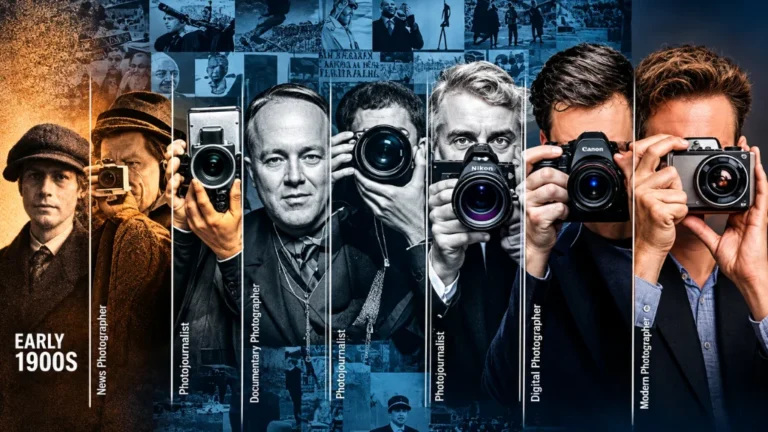
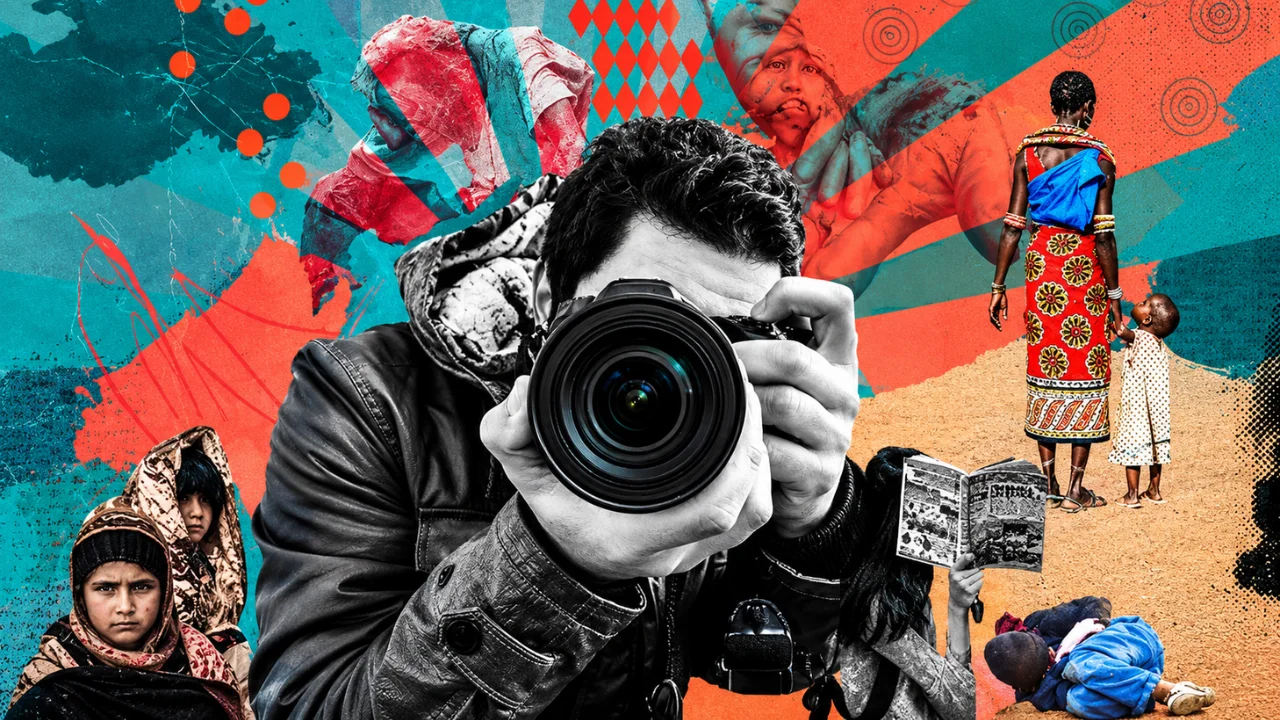
Photojournalism editing is the careful process of preparing a news or documentary photo for publication without changing the truth of what the camera saw. That is the whole idea in one line. You can make the picture clearer. You cannot make it say something that did not happen.
This sounds simple. In practice, it is where many photographers get into trouble. A small clone stamp to remove a distracting bottle. A sky that looks a bit too dramatic. A crop that hides who else was standing there. Each of these can end a career or get a photo pulled from a contest.
At Clipping Area, we have worked with photographers, agencies, and publishers since 2014. We do heavy retouching for ecommerce and fashion every day. Because of that, we know exactly where the line sits between commercial photo retouching and honest news editing. They are two different jobs with two different rulebooks.
In this guide, you will learn:
- What photojournalism editing actually means
- The core rules that most newsrooms follow
- What edits are allowed and what edits are banned
- A clear, step-by-step editing workflow
- The ethics behind every decision
- Common mistakes and how to avoid them
Whether you are a working photojournalist, a student, or a photo editor at a news outlet, this article gives you a practical reference you can come back to.
What Is Photojournalism Editing?
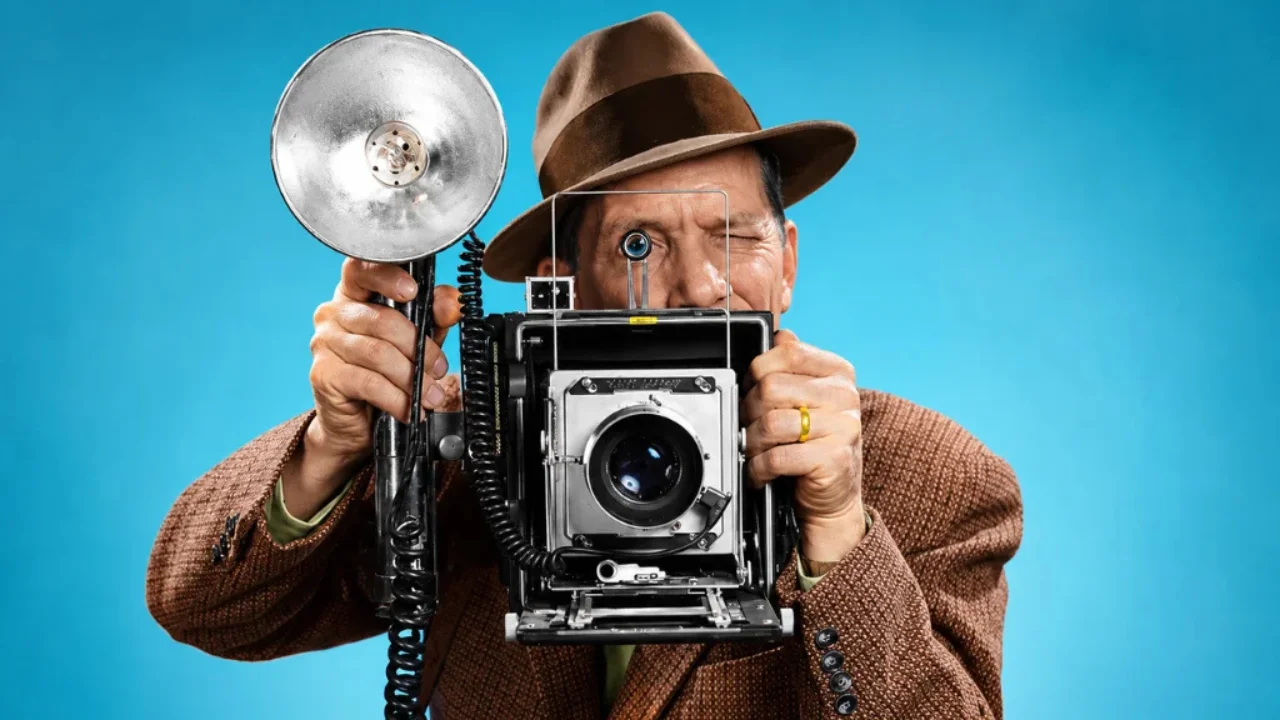
Photojournalism editing covers two jobs that people often mix up.
1. Selecting the photos. This is the “edit” in the old newsroom sense. A photographer may shoot 800 frames at a protest. A photo editor picks the 5 to 10 that tell the story most honestly. Picking is editing too, and it carries just as much responsibility.
2. Processing the photos. This is the technical side. Converting RAW files, fixing exposure, correcting white balance, cropping, and writing captions. This is what most people mean today when they say news photo editing.
Both jobs share one goal: the published image must be a fair and accurate record of a real moment.
How it differs from commercial retouching
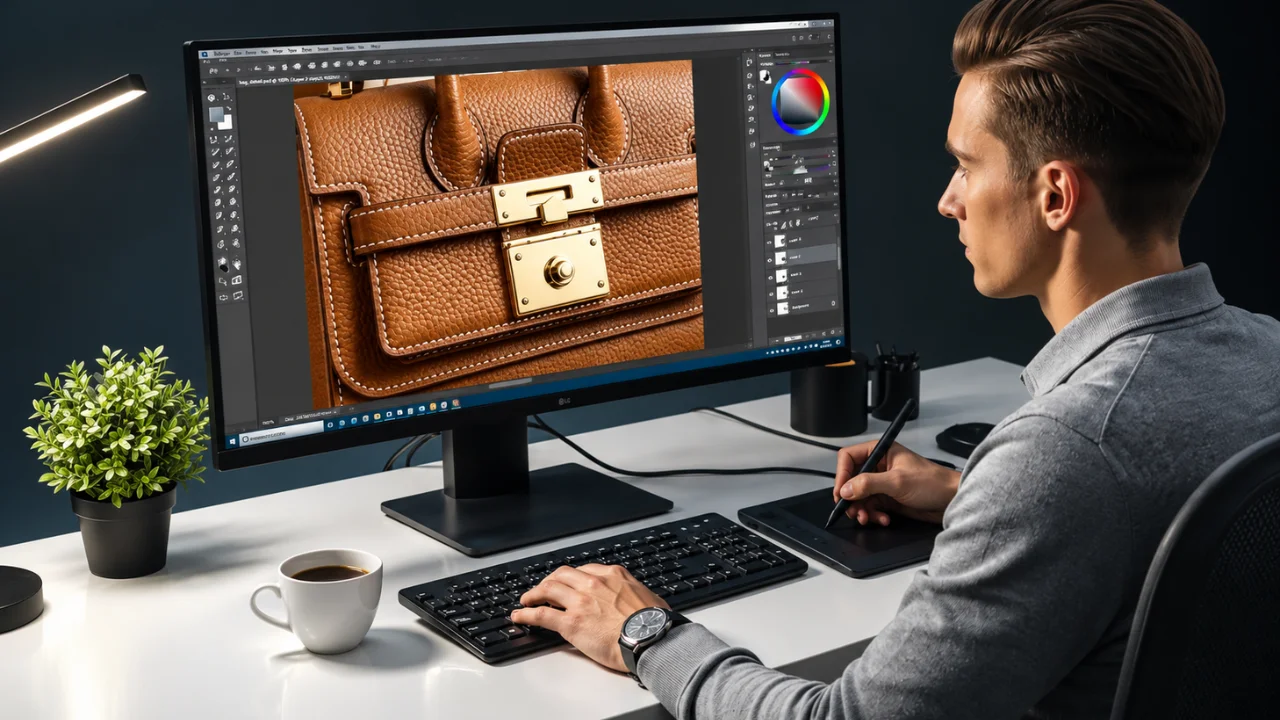
In commercial work, the photo is an ad. Everyone knows it is polished. A product shot can have a new background, perfect lighting, and removed dust. A fashion image can have smoother skin and a cleaner set.
In photojournalism, the photo is evidence. Readers trust that it shows what really happened. So the editing rules are much stricter.
| Area | Commercial retouching | Photojournalism editing |
|---|---|---|
| Main goal | Make it look ideal | Keep it truthful |
| Remove objects | Yes, common | No |
| Replace background | Yes, common | No |
| Skin retouching | Yes | No |
| Exposure and color fixes | Yes, any amount | Yes, within reason |
| Cropping | Any crop | Only if it keeps the meaning |
| Combining images | Yes (composites) | No, unless clearly labeled as illustration |
Think of it like this. Commercial retouching is cosmetic surgery. Photojournalism editing is cleaning a window so people can see through it clearly.
The Core Rules of Photojournalism Editing with Thirds of Rules
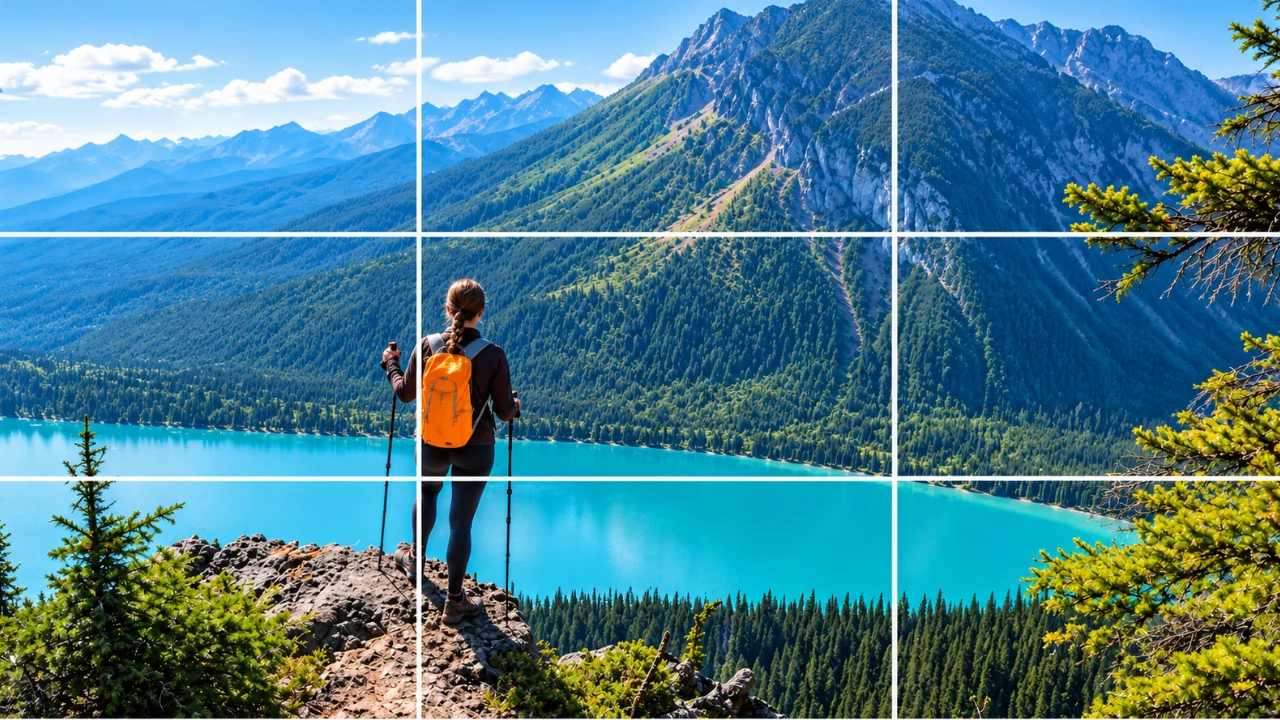
Every news agency writes its own policy. Still, the big ones (wire services, major newspapers, press photographer associations like the NPPA) agree on the same basic rules. Here they are in plain language.
Rule 1: Do not add or remove anything
No cloning out a person, a sign, a power line, or a stray piece of trash. No pasting in a bird, a cloud, or a better face. If it was in the frame, it stays. If it was not, it does not appear.
Rule 2: Do not move anything
You cannot shift a person closer to another person. You cannot reposition a building to fix the composition. The spatial truth of the scene must stay intact.
Rule 3: Keep tone and color changes “minor”
You can fix exposure, contrast, and white balance so the photo looks like the scene did. You cannot push it so far that it changes the mood or hides details. A gray day should not become a stormy apocalypse.
Rule 4: Crop with care
Cropping is allowed. But a crop must not change the meaning. If you crop out a police officer helping someone, and it now looks like the person is alone and abandoned, you have told a lie with scissors.
Rule 5: Do not stage or recreate
This rule lives before the editing stage, but editors must enforce it. A photographer should not ask people to repeat an action, pose, or “do that again.” Portraits are the one exception, and they should be clearly understood as portraits.
Rule 6: Write an honest caption
The caption is part of the edit. It must say who, what, when, and where. It must not guess at feelings or motives you cannot confirm.
Rule 7: Keep the original file
Always save the untouched RAW or original JPEG. If anyone questions your image, the original is your proof.
Rule 8: When in doubt, disclose
If you did anything unusual, tell your editor. If the image is a photo illustration, label it clearly as one. Transparency protects you and your outlet.
What Edits Are Allowed in Photojournalism?
This is the question we hear most. Here is a quick reference table. Use it as a checklist before you send any news photo.
| Edit | Allowed? | Notes |
|---|---|---|
| Exposure / brightness | Yes | Match what the eye saw |
| Contrast | Yes | Keep it natural |
| White balance | Yes | Fix color casts from mixed light |
| Saturation | Small amounts | No neon skies or glowing skin |
| Cropping | Yes | Must not change the meaning |
| Straightening a tilted horizon | Yes | Small rotation only |
| Sharpening | Yes | Light, general sharpening |
| Noise reduction | Yes | Do not smear away detail |
| Dust and sensor spot removal | Yes | Only sensor dust, never real objects |
| Converting to black and white | Usually yes | Check your outlet’s policy |
| Dodging and burning | Light only | No hiding or highlighting subjects unfairly |
| Vignettes | Light only | Avoid heavy dark edges |
| Cloning out objects | No | Never |
| Adding objects or people | No | Never |
| Sky replacement | No | Never |
| Face or body retouching | No | Never |
| Composites / HDR blends | No | Unless labeled as illustration |
| AI generative fill or expand | No | Never in news images |
| Flipping the image | No | It changes reality |
A note on dust spots
Removing sensor dust is the one “cleanup” edit most outlets accept. Why? Because dust on your sensor was never part of the scene. It is a flaw in the camera, not in reality. But be strict with yourself. A speck on the sensor is fine to remove. A speck of litter on the street is not.
A note on AI tools
AI editing is now built into most software. Generative fill, AI sky tools, and auto “enhance” features can quietly add or invent pixels. For news work, turn these off. Use AI only for safe tasks like noise reduction or masking for basic tone adjustments, and check your outlet’s policy first. If an AI tool creates new content, it does not belong in photojournalism.
Photojournalism Editing Workflow: Step by Step
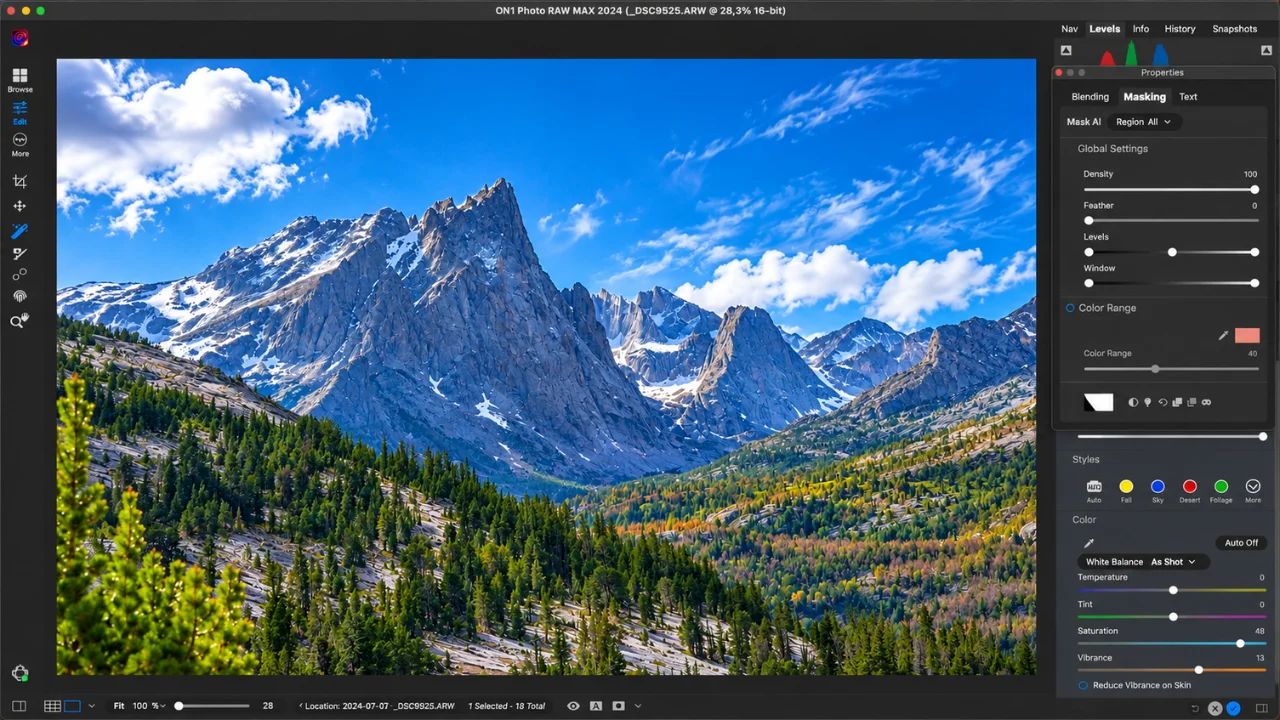
A good workflow saves time and protects the truth. Here is the process many working news photographers follow, from memory card to newsroom.
- Back up first. Copy the card to two places before you touch anything. A laptop and an external drive is the minimum. Never edit straight from the card.
- Ingest and add metadata. Import into Lightroom, Photo Mechanic, or your tool of choice. Add your name, copyright, location, and date to every file right away. Check that your camera clock is correct.
- Cull fast. Go through the take and flag the strong frames. Look for the moment, the emotion, and the context. Reject blurry, blinking, or repeated shots.
- Select with honesty. Pick the frames that tell the story fairly. Ask yourself: does this selection reflect what I actually saw? Avoid picking only the most dramatic frame if it misrepresents the overall event.
- Make basic adjustments. Fix exposure, white balance, and contrast. Aim for how the scene looked in real life. Keep each change modest.
- Crop and straighten. Tighten the frame if it helps, but keep key context in. Straighten a tilted horizon if needed.
- Clean only sensor dust. Use the spot healing tool only for dust on the sensor. Nothing else.
- Sharpen and reduce noise lightly. Prepare the file for its final size. Do not over-process.
- Write the caption. Who, what, when, where, and why (if known). Spell every name correctly. Check facts with a second source if possible.
- Compare with the original. Toggle before and after. If a viewer saw both, would they feel misled? If yes, pull back.
- Export and file. Export to the size and format your outlet asks for. Keep IPTC metadata intact. Send it with your caption.
- Archive the RAW files. Store originals safely, with backups. You may need them months or years later.
Speed matters, but truth matters more
News moves fast. Wire photographers often file images within minutes. That pressure is exactly why a fixed workflow helps. When the steps are routine, you do not have to think about the rules. You simply follow them, even on deadline.
The Ethics of Photojournalism Editing
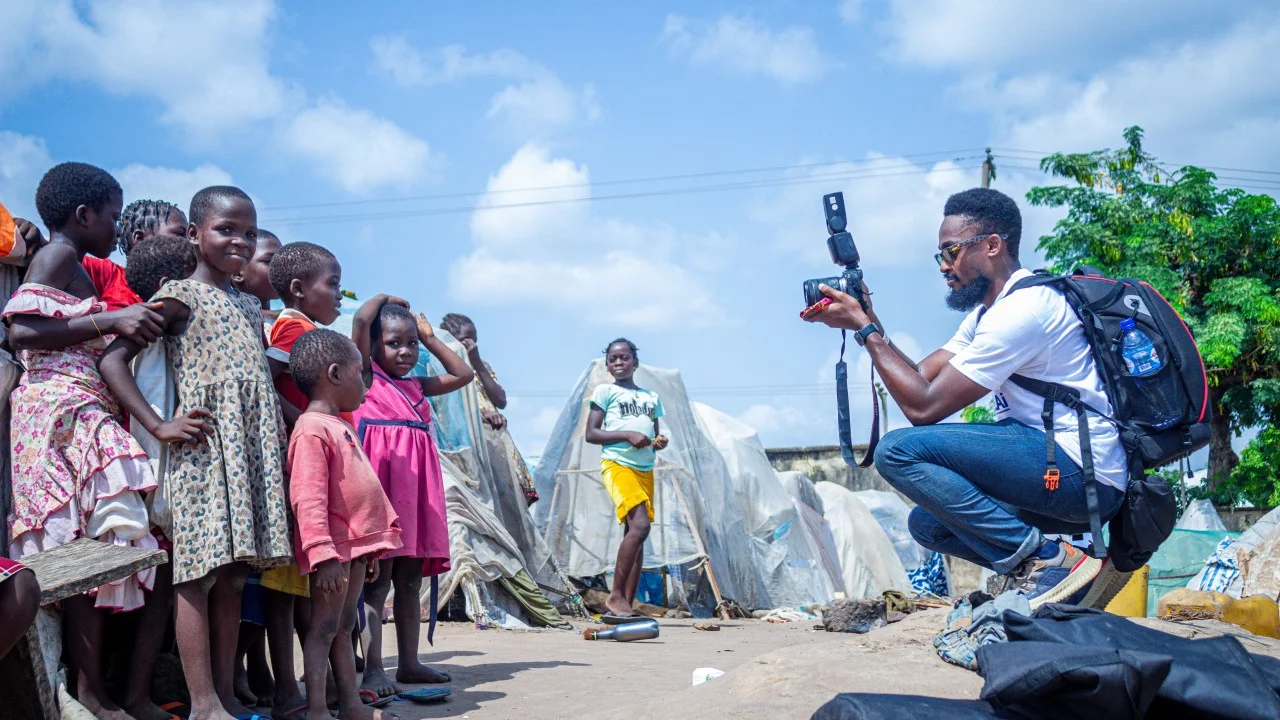
Rules tell you what to do. Ethics tell you why. Once you understand the why, the gray areas get much easier.
Truth and trust
A news photo is a promise to the reader: “This happened, and this is what it looked like.” Once readers learn that a single image was faked, they start to doubt every image. One edited photo can damage the trust of an entire publication.
Accuracy over beauty
Photojournalists love a strong image. But a beautiful photo that is not accurate fails the job. If you have to choose between a clean frame and an honest one, choose honest every time.
Respect for the subject
Ethical photojournalism editing also means caring for the people in the frame. That includes:
- Not choosing a frame that makes someone look foolish or guilty when the moment was neutral
- Thinking carefully before publishing images of victims, children, or grieving families
- Avoiding edits that exaggerate injuries, fear, or suffering for impact
Fairness in selection
Ethics are not just about pixels. If a crowd was mostly peaceful but you only file the one frame of a thrown bottle, the image is real but the story is false. Fair selection is part of honest editing.
Context in captions
A true photo with a misleading caption is still misinformation. Write captions that give enough context for the reader to understand what they are seeing. Avoid loaded words.
The “would I be comfortable explaining this?” test
Here is a simple test many editors use. Imagine your editor, your subject, and your reader all watching you make each edit. Would you be comfortable explaining every step to them? If not, do not make that edit.
Following a written code
Most professional photojournalists follow a published code of ethics. The NPPA Code of Ethics is one of the best known in the United States. Many news agencies and photo contests publish their own image integrity rules too. Read the policy of every outlet or contest you work with. They differ in small but important ways, like how much toning they accept.
Real Lessons: When News Photo Editing Went Wrong
History shows how seriously the industry takes these rules. A few well-known cases:
- Los Angeles Times, 2003. A staff photographer in Iraq combined two frames into one stronger image. The paper discovered it and fired him.
- Reuters, 2006. A freelance photographer cloned extra smoke into an image of Beirut after an airstrike. Reuters removed his photos from its archive and ended the relationship.
- Associated Press, 2014. A photographer removed a colleague’s camera from the corner of a Syria photo. It was a small, “harmless” edit. AP still cut ties and pulled his images.
The lesson is clear. The size of the edit does not matter. Any change to the content of the scene breaks trust.
Common Photojournalism Editing Mistakes
Most problems are not dramatic fakes. They are small habits that creep in. Watch out for these:
- Over-processing. Heavy clarity, strong HDR looks, and deep vignettes make news images look like ads.
- Using commercial presets. Many presets add looks that go beyond minor toning. Build your own simple news preset instead.
- Cropping out context. Removing people or objects at the edge can change what the scene means.
- Cleaning up “distractions.” That wire, that sign, that person in the background: they stay.
- Lazy captions. Wrong names, wrong dates, or guesses about emotion.
- Losing the original. Without the RAW, you cannot prove your image is real.
- Letting AI decide. Auto-enhance and generative tools can change content without you noticing.
- Ignoring the outlet’s policy. One agency may allow black and white conversion. Another contest may not.
Can a Photo Editing Agency Help With Photojournalism Work?
Yes, but only for the right tasks. An honest post-production partner knows where its help stops.
Here is where an agency like Clipping Area can support news and documentary photographers, publishers, and media teams:
- Bulk basic correction. Exposure, white balance, and contrast fixes across large archives, done within editorial limits.
- Archive digitization and cleanup. Removing scanner dust and scratches from old film scans (damage to the film, not the scene).
- Black and white conversion that follows a consistent, approved style.
- Metadata and file prep. Resizing, renaming, and formatting files for different publishers.
- Feature, editorial, and photo illustration work. Magazine covers, opinion pieces, and labeled illustrations can use creative retouching, as long as they are clearly marked.
And here is what we will not do for news images: remove people or objects, swap skies, merge frames, or retouch faces. Our team handles clipping paths, ghost mannequin, and high-end retouching for ecommerce clients every day. That experience is exactly why we know to keep those tools far away from documentary work.
Why work with Clipping Area?
- Over 10 years in post-production, since 2014
- Trained editors who understand the difference between editorial and commercial standards
- Fast turnaround for deadline-driven teams
- Clear instructions followed exactly, with no “creative extras” added without permission
If you run a publication, a photo archive, or a documentary project and need a careful editing partner, talk to Clipping Area about a free trial.
Frequently Asked Questions About Photojournalism Editing
What is photojournalism editing?
Photojournalism editing is selecting and processing news or documentary photos so they are clear and ready to publish, without changing the facts of the scene. Basic tone, color, and crop fixes are allowed. Adding, removing, or moving content is not.
Can photojournalists use Photoshop?
Yes. Photoshop and Lightroom are standard tools. The rule is not about the software. It is about what you do with it. Basic adjustments are fine. Cloning, compositing, and generative fill are not.
Is cropping allowed in photojournalism?
Yes, as long as the crop does not change the meaning of the image or remove important context.
Can you remove sensor dust from news photos?
Most outlets allow removing sensor dust because it was never part of the real scene. You cannot remove real objects, even small ones.
Is black and white allowed in photojournalism?
Most news outlets allow it, but some contests and agencies set limits. Always check the specific policy.
Can AI be used in photojournalism editing?
Only for tasks that do not create or remove content, like noise reduction, and only if your outlet allows it. Generative AI that adds or changes pixels is not acceptable for news images.
What is the difference between photojournalism editing and photo retouching?
Photo retouching changes an image to make it look ideal, which is normal for ads, fashion, and products. Photojournalism editing only improves clarity and keeps the image truthful.
What happens if a photojournalist manipulates a photo?
The image is usually pulled, and the photographer may lose their job or client relationships. Contests disqualify manipulated entries. Reputations can be damaged for years.
Why should I keep my RAW files?
RAW files prove what your camera captured. If anyone questions your image, the original is your best defense.
Final Thoughts
Photojournalism editing comes down to one question: does this image still tell the truth? Every rule, every workflow step, and every ethical choice in this guide serves that question.
Here is a quick summary to keep near your desk:
- Fix tone, color, and exposure, but keep it natural
- Crop carefully and never cut out meaning
- Never add, remove, or move anything in the scene
- Remove sensor dust only
- Write honest, fact-checked captions
- Keep your RAW files forever
- When in doubt, leave it out, or disclose it
Great news photos do not need tricks. They need a sharp eye, good timing, and an honest edit. Protect that honesty, and your work will be trusted for years.
Need help with editorial-safe photo correction, archive cleanup, or labeled photo illustrations? Clipping Area’s post-production team is ready to help. Get a free trial today.