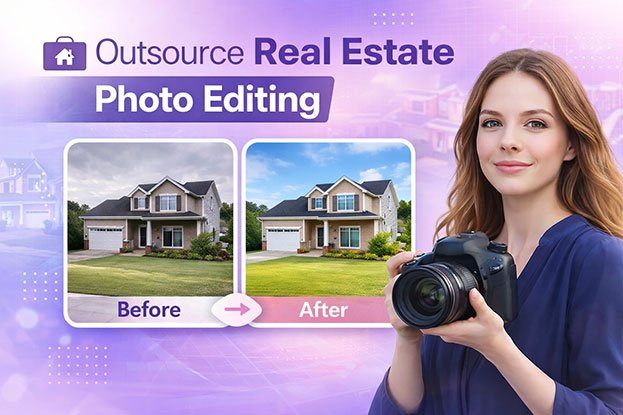
It is 9:40 PM on a Tuesday. You shot three homes today. Two galleries are still sitting in Lightroom, and the agent wants both by 8 AM.
You open the first folder. Forty-two bracketed sets. Bright windows, a green cast from the kitchen cabinets, and a ceiling fan that ghosted in every frame.
If this is your week, the problem is not skill. The problem is that editing has quietly become half your job, and you only get paid for the shoot.
Outsourcing real estate photo editing fixes that. This guide shows you how to do it without losing your style, your quality, or your client trust. You will get real cost math, a test plan, a paste-ready editing brief, and a checklist for reviewing every gallery.
What Outsourcing Real Estate Photo Editing Really Looks Like
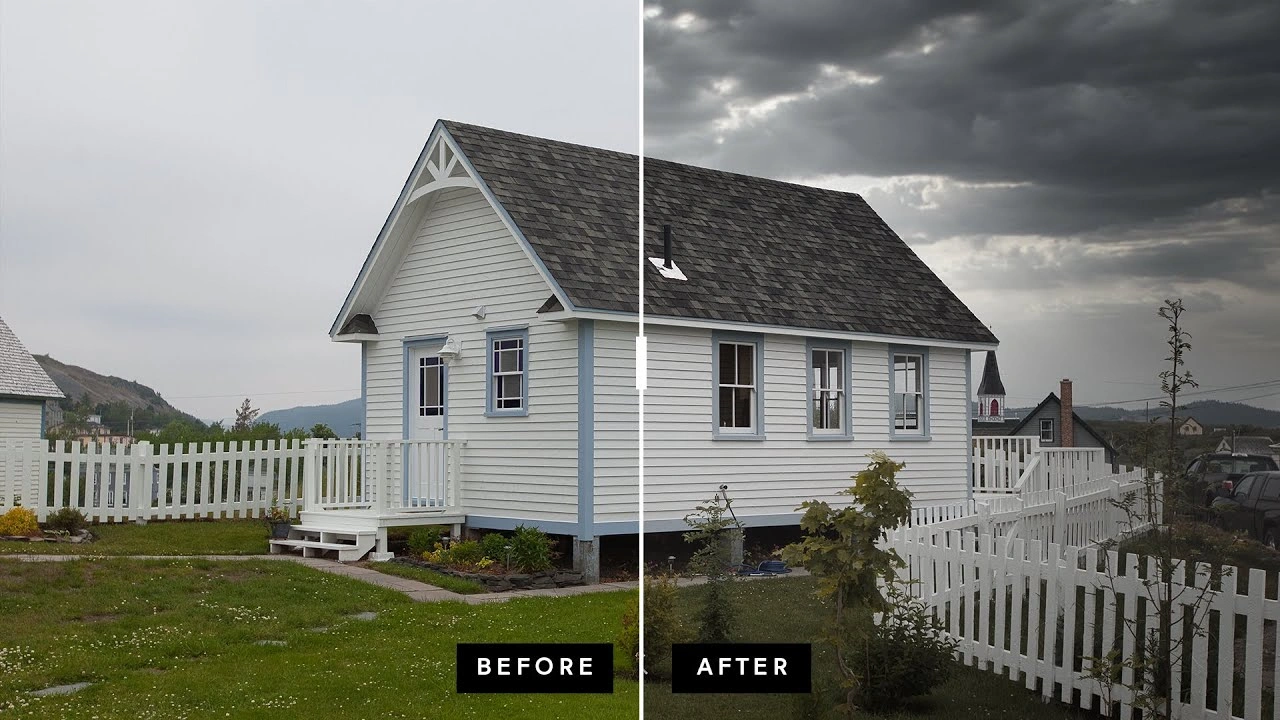
Outsourcing means a trained editing team handles your post-production. You keep the camera, the client, and the final say.
Here is what a normal day looks like once it is set up:
- 2:00 PM. You finish the shoot.
- 4:30 PM. You upload the brackets and a short note to a shared folder.
- Overnight. The editing team works on the files.
- 7:00 AM. Edited images are back in your folder.
- 7:15 AM. You spend ten minutes on a quality check.
- 7:30 AM. You send the gallery to the agent.
You did not edit a single frame. The agent got next-morning delivery. You slept.
This is often called white label editing. Your client sees your brand only. The editors stay in the background.
The Real Cost of Editing Everything Yourself
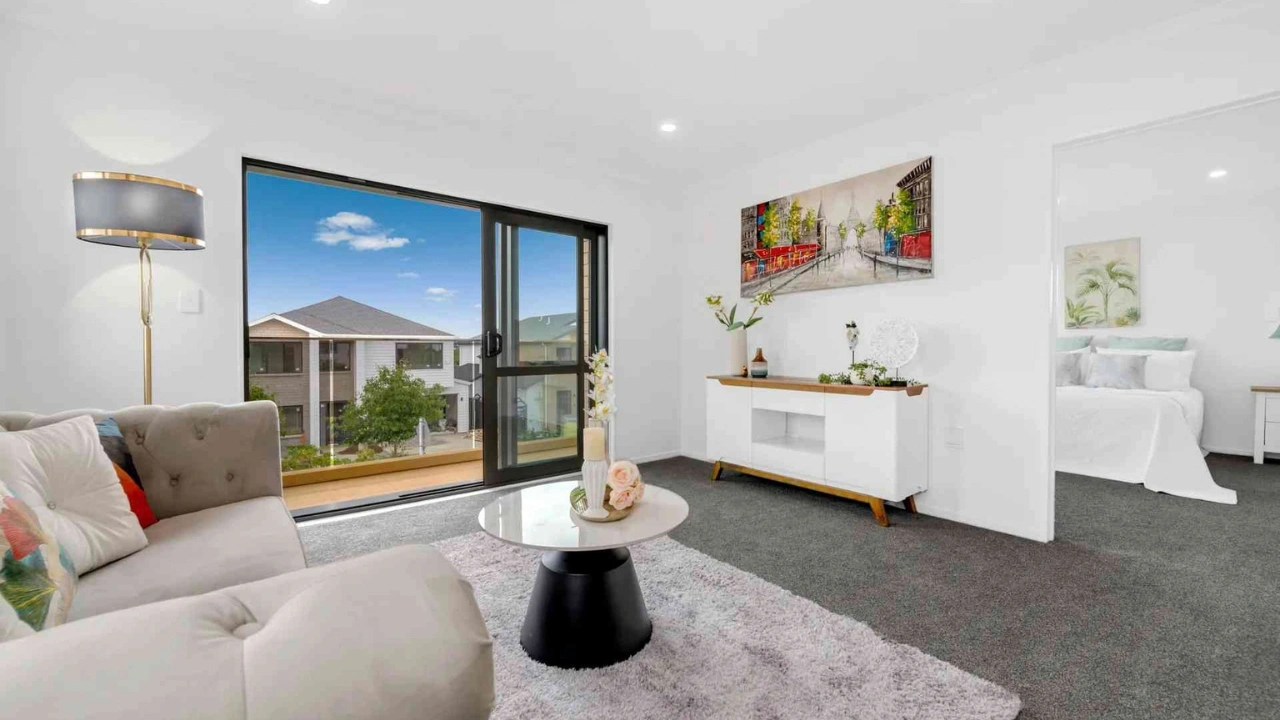
Most photographers never count their editing hours. Let’s do it.
Here is an example (use your own numbers):
- You shoot 5 homes a week.
- Each one takes about 2.5 hours to edit.
- That is 12.5 hours of editing every week.
Now say you charge $150 per shoot, and one shoot takes about 3 hours with travel and setup. Those 12.5 editing hours could have been 4 more shoots.
Let’s assume you book 3 of them:
| Item | Weekly amount |
|---|---|
| Extra income from 3 new shoots | +$450 |
| Editing cost for all 8 shoots (at an example $30 each) | -$240 |
| Net gain | +$210 per week |
That is roughly $10,000 a year, and you also get your evenings back. The $30 figure is only an example. Ask for real quotes and plug them in.
The math changes if you cannot fill those extra slots. Outsourcing only pays off when you have more demand than time. If your calendar is half empty, fix marketing first.
When Is the Right Time to Outsource?
Skip the vague advice. Use these markers instead.
Outsource now if:
- You edit more than 10 hours a week
- You have turned down two or more jobs this month because of time
- You miss your own delivery promise at least once a week
- You edit after 9 PM more than twice a week
Wait a little if:
- You do fewer than 3 shoots a week
- Your editing style is still changing every month
- You have no written style guide yet (you can write one in an hour, see below)
A middle path works well too. Outsource only your busiest days, or only one heavy service like twilight conversions.
What to Outsource: A Simple Three-Level Guide
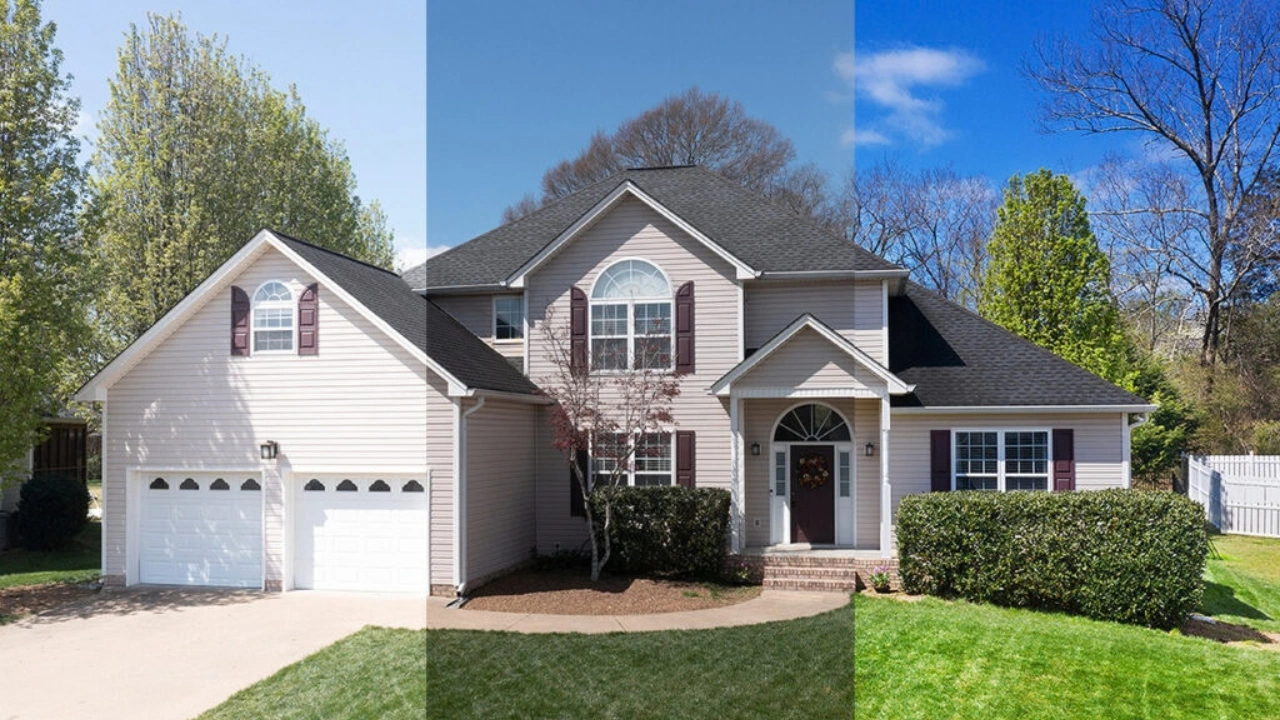
Not all edits cost the same effort. Think in levels.
Level 1: Clean and Correct
This is your base edit. Exposure, white balance, color correction, lens correction, and straightening verticals. It is repeatable, so it is the easiest thing to hand off first.
Level 2: Standard Listing Edit
This adds the work that makes a listing look professional:
- HDR or exposure blending
- Window pulls (clear views outside instead of white glass)
- Sky replacement on gray days
- Lawn and grass fixes
- Removing small distractions like cords, trash bins, and hoses
Most residential listings fall here.
Level 3: Heavy and Creative
These take more time and more skill:
- Day-to-dusk conversion
- Virtual staging
- Removing cars, clutter, or large objects
- Twilight sky and window glow work
- Floor plans and video tours
- 3D rendering for new builds
Tip: start with Level 1 and 2. Once you trust your editor, move Level 3 across.
What You Should Keep
Some jobs should stay with you.
- The shoot itself. No editor can fully rescue a crooked, dark, or cluttered photo.
- Your client. The agent hired you. Keep that relationship.
- Your style call. You decide how bright, warm, or neutral the images look.
- Final approval. Every gallery gets a look before it goes out.
The Time Zone Advantage Most Photographers Miss
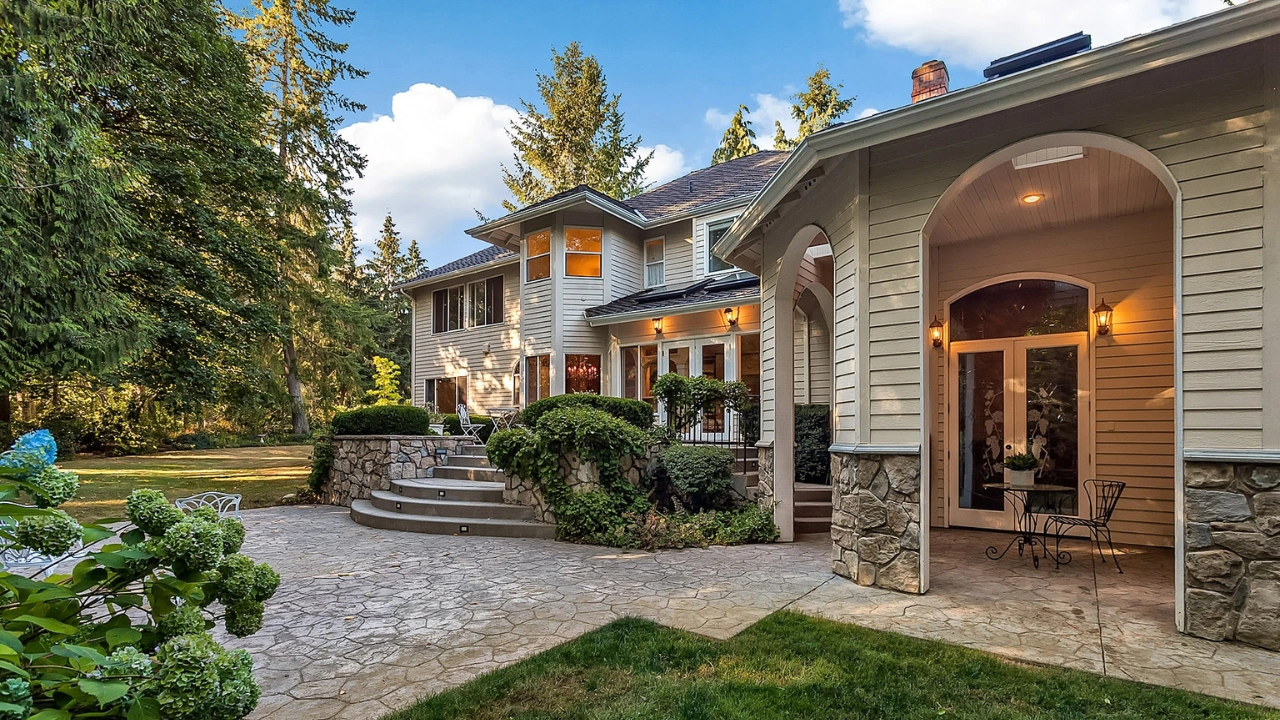
Here is a practical reason many photographers outsource overseas. The clock works for you.
Say you shoot in the US at 3 PM. You upload at 5 PM. For an editing team in South Asia, that is already the next morning. They edit during their workday. By the time you wake up, the gallery is ready.
Compare that with editing yourself. You shoot, drive home, eat, and edit until midnight. Then you deliver at 8 AM on four hours of sleep.
With an offset team, “next-morning delivery” stops being a heroic effort. It becomes a normal process. Clipping Area is based in Dhaka, Bangladesh, and this overnight cycle is how many of our photographer clients deliver by morning.
This works in the UK, Canada, and Australia too, with small timing changes. Ask any partner about their working hours and how they handle your busiest time slots.
How Editing Prices Work (And What to Ask)
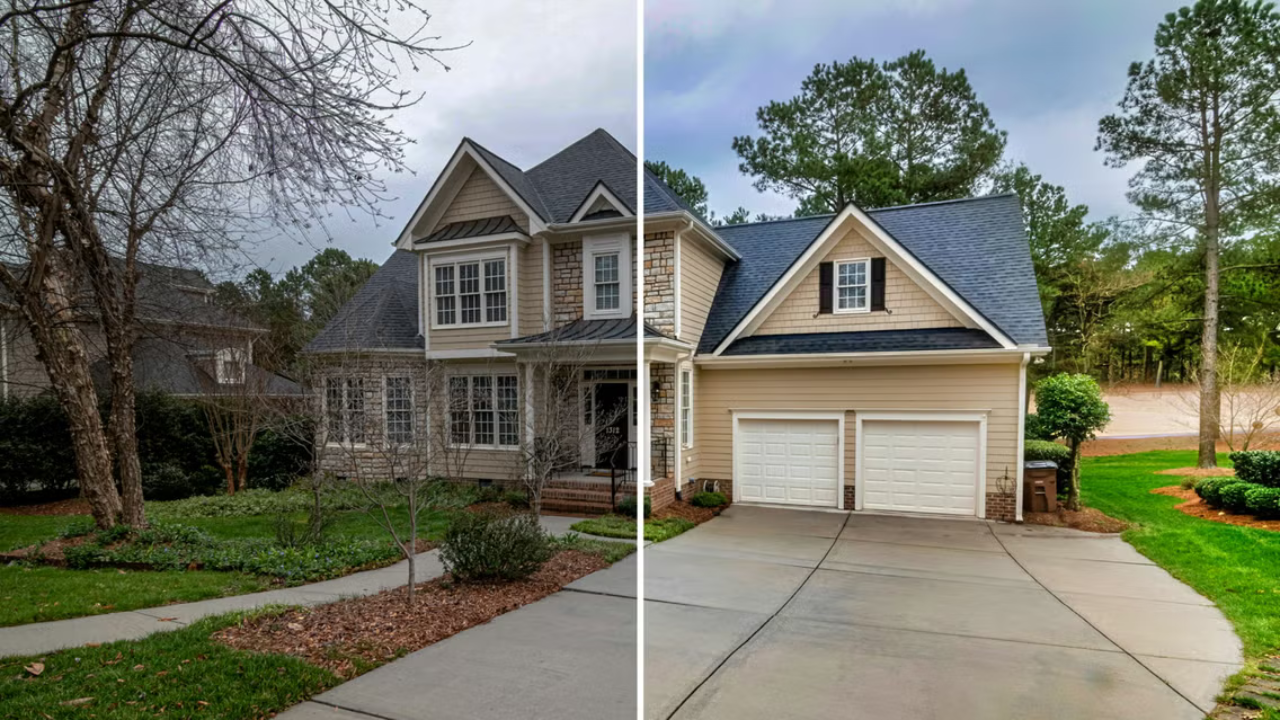
You will see three pricing styles.
Per image. You pay for each edited photo. It is simple and easy to compare. Good for steady, predictable work.
Per shoot. A flat price for a set number of images, such as up to 30 photos. Easier for your own quoting, but check what happens if you send 45.
Monthly plan. A fixed fee for a set volume. It can lower your cost if you are consistent, but not if your volume swings a lot.
Prices go up with the level of work. Basic correction costs the least. Window pulls and blending cost more. Twilight and virtual staging cost the most.
Ask These Before You Sign
- What is included in one edit? (Blending, window pull, sky?)
- How many revision rounds are free?
- How fast are revisions returned?
- Is there a rush fee, and how much?
- Is there a minimum order or a file size limit?
- What are the rules for extra bracket sets or bonus images?
- Do prices change if I send RAW instead of JPEG?
Cheap quotes with unclear scope usually cost more later. A slightly higher price with clear terms is often the better deal.
How to Test an Editor the Smart Way
Most photographers test with an easy shoot. That tells you nothing. Anyone can edit a bright, clean living room.
Send your hardest shoot instead. Pick one that has:
- Strong window light with a bright outdoor view
- Mixed lighting (warm bulbs plus daylight)
- A room with TVs, mirrors, or glass doors
- A ceiling fan or reflective floors
- A gray-sky exterior
Then score the result with this checklist. Give one point for each yes.
- Verticals are straight on walls and door frames
- Window views look natural, not fake or foggy
- No halos or glow around window edges
- White walls look white, not yellow or blue
- Colors match from room to room
- Ceiling fans and lights have no ghosting
- TV screens and mirrors are clean and believable
- Grass and sky look real, not painted
- Small distractions (cords, bins) are gone
- The image still looks like the same home
8 to 10: Strong. Move ahead.
5 to 7: Workable. Give notes and run a second test.
Below 5: Try another partner.
Also note how they handled your notes. Did they follow instructions? Did they ask smart questions? That tells you what working together will feel like.
Your Paste-Ready Editing Brief
A clear brief is the biggest quality lever you have. Copy this, fill it in, and reuse it.
Client / Property: [Address or job name]
Delivery deadline: [Date and time, with time zone]
Number of sets: [e.g., 38 bracketed sets]
Bracket type: [3-shot / 5-shot / single exposure]
Look I want:
- Brightness: [Bright and airy / Natural / Moody]
- Color temperature: [Neutral whites / Slightly warm]
- Contrast: [Low / Medium]
Every photo:
- Straighten all verticals
- Correct color casts
- Window pulls on all rooms with outdoor views
Exteriors:
- Sky: [Replace gray skies with soft blue / Keep original]
- Lawn: [Light green fix / Leave as is]
- Remove: [Trash bins, hoses, parked cars]
Do not:
- Remove permanent features
- Change the size or shape of any room
- Add items that are not in the home
Reference images: [Attach 3 to 5 sample photos of your style]
Special notes: [Example: “Fix the yellow cast in the kitchen. Remove the cord on the left wall in image 14.”]
Specific notes beat vague ones every time. “Make it pop” wastes a round. “Brighten the kitchen and pull the window view” saves one.
A File Workflow That Prevents Mistakes
Small habits stop big headaches. Set these up once.
- Folder name:
Address_Date(example:142-Oak-St_2026-03-14) - Subfolders:
RAW,Reference,Notes - Keep all brackets together and in shooting order
- One notes file per job, using your brief
- One shared cloud link per shoot, with a clear delivery folder
- Confirm receipt. Ask the editor to reply once files are downloaded
When something goes missing, it is almost always a naming or upload problem. A steady routine removes it.
Quality Control: What to Check Before You Deliver
You are the last line of defense. A ten-minute review protects your name.
Open each image at full size and check these spots:
- Windows. Look for halos, gray fog, or fake views.
- Ceilings and corners. Look for tilt or bending.
- Mirrors and glass doors. Check for stray reflections or smudges from editing.
- Fans and lights. Look for ghosting or double edges.
- Floors. Reflective floors can pick up odd color patches.
- Walls. Check for uneven color or blotchy patches.
- Grass and sky. Look for edges that appear cut out.
Then view all photos side by side in a grid. Consistency problems show up fast. If the bedroom is warmer than the living room, you will spot it in seconds.
Keep a simple log of repeat problems. If halos show up in three jobs, tell your editor once, in writing, and ask them to add it to your notes.
Editing Rules and Honesty
Good edits make a home look its best. They should not mislead a buyer.
Usually fine: color correction, straightening lines, window pulls, sky replacement, removing temporary items like bins or cords, lawn touch-ups.
Risky: removing power lines, changing room size, hiding damage, adding features that do not exist, or making a view better than it is.
Rules vary by MLS, state, and country. Check your local MLS rules for editing and virtual staging. Many places require staged images to be labeled clearly. When in doubt, ask the agent and follow the stricter rule.
Seven Mistakes That Cost Photographers Clients
1. Testing with an easy shoot. You learn nothing. Use your toughest one.
2. Handing over everything on day one. Start with two shoots. Then grow.
3. Vague briefs. Unclear notes create rework.
4. Sending poor brackets. Wrong exposure gaps or missed shots limit what any editor can do.
5. Skipping the final check. One bad window can cost you an agent.
6. Promising faster than your partner delivers. Match your promise to their real speed, and add a buffer.
7. Switching editors often. A steady editor learns your taste. A new one starts from zero each time.
Real Estate Editing in 2026: What Has Changed
AI is a helper, not a replacement. AI tools are good at quick sky swaps, basic color fixes, and simple object removal. They still miss details like odd edges, reflections, and mixed light. The best results come from AI speed plus a human eye that checks the work.
Next-morning delivery is normal. Agents expect it. Same-day is now a paid upgrade for rush jobs.
Twilight images earn attention. Day-to-dusk edits stand out in crowded listing feeds. More photographers now sell them as an add-on.
Virtual staging is common for vacant homes. It costs far less than real furniture. Label it clearly.
Agents want one contact for everything. Photos, video, floor plans, and more. A photographer with an editing partner can offer all of it without hiring a big team.
How Clipping Area Supports Real Estate Photographers
Clipping Area is a post-production photo retouching agency. Since 2014, we have edited images for photographers, brands, and agencies around the world. Real estate work is part of our daily routine.
Here is what we handle for photographers:
- HDR blending, exposure correction, and color correction
- Window pulls and window view fixes
- Sky replacement and day-to-dusk conversion
- Lawn enhancement
- Clutter and object removal
- Perspective and line correction
- Virtual staging support
- Video editing, 3D rendering, and AI creative services when you need more
We follow your brief, match your style, and work as a quiet back-end team. Your clients see your brand only.
The easiest way to start is a test batch. Send your hardest shoot, score it with the checklist above, and judge us the same way you would judge anyone else.
Frequently Asked Questions
Is outsourcing real estate photo editing worth it?
For busy photographers, yes. If you edit more than 10 hours a week or turn down jobs for lack of time, the extra shoots you can book usually cover the editing cost.
How much does it cost to outsource real estate photo editing?
It depends on the service level, image count, and speed. Basic correction costs the least. Twilight conversions and virtual staging cost the most. Ask for a full price list and confirm what one edit includes.
How fast can an editing team deliver?
Many teams return standard edits within 12 to 24 hours. Rush service is often available for a fee. Always confirm speed before you promise anything to agents.
Will my clients know I outsource?
Only if you tell them. White label editing keeps your brand in front.
Can an outside editor match my style?
Yes, with a clear brief, reference images, and steady feedback. Most editors get close within the first few jobs.
Is it safe to send client photos to an outside team?
It should be. Ask how files are stored, who can access them, and whether they will sign a confidentiality agreement.
What should I send for editing?
Send RAW or bracketed files, your brief, and reference images. Add specific notes for tricky rooms.
Can I outsource only some services?
Yes. Many photographers begin with one task, like window pulls or twilight edits, and add more later.
What if I do not like the edits?
Send specific notes and request a revision. A good partner fixes issues fast. If the same problems keep coming back, try another service.
Should I still learn to edit?
Yes. Knowing good editing helps you write better briefs and catch errors.
Final Thoughts
Editing should not be the reason you lose sleep, turn down jobs, or miss deadlines. Outsourcing real estate photo editing gives you back your time, and it lets you say yes to more clients.
Start small. Write your brief. Test with your hardest shoot. Score the results honestly. Then grow as trust builds.
If you are ready to shoot more and edit less, send Clipping Area a test batch and see how it works for your business.