A product photo has one job: show the product clearly and honestly. But raw images rarely do that on their own. Dust shows up on a black handbag. A white background turns gray. A red dress looks orange on one screen and pink on another. This is why many brands look for photo editing services in Barcelona and across Spain when their catalogs start to grow.
Editing is often the slowest step between a photo shoot and a live product page. Internal teams get buried in repetitive Photoshop work, and image quality starts to vary from one product to the next.
This guide explains what professional photo editing includes, which services different businesses need, how the workflow runs, what affects pricing, and how to choose the right provider. It is written for eCommerce stores, fashion labels, photographers, and agencies that want cleaner, more consistent images.
What Are Photo Editing Services in Barcelona?
Short answer: Photo editing services are professional post-production work that prepares images for commercial use. This includes background removal, color correction, retouching, shadow creation, and resizing, all done to a consistent standard.
Basic image adjustments are what most people do on a phone: crop, brighten, add a filter. Professional editing goes further. It works at the pixel level to fix problems the camera captured and to prepare files for a specific use, like a product page or a print catalog.
Photo Editing vs. Photo Retouching
The two terms overlap, but they are not the same:
- Photo editing covers global and structural changes. Think cropping, exposure, white balance, background removal, and resizing.
- Photo retouching covers detailed, local corrections. Think dust and scratch removal, skin cleanup, fabric smoothing, and reflection control on metal or glass.
Most commercial projects need both. A shoe photo might need its background removed (editing) and a scuff mark cleaned from the toe (retouching).
Why Businesses Outsource Image Post-Production
Photography and editing need different skills and different time budgets. A photographer in Barcelona can shoot hundreds of products in one day. Editing those same images to a consistent standard can take far longer. Many businesses, photographers, and agencies hand off post-production so their teams can focus on shooting, merchandising, and selling.
Good editing also supports brand consistency. When every image follows the same rules for background, margins, shadows, and color, the whole store looks planned rather than pieced together.
Why Professional Photo Editing Matters for eCommerce Brands
Online shoppers cannot touch the product. The image does most of the explaining. High-quality product images can help create a more consistent and professional shopping experience.
Here are the practical reasons brands invest in professional editing:
- Consistent product presentation. Every product sits on the same background, at the same size, with the same lighting feel.
- Cleaner images. Dust, lint, fingerprints, and small scratches are removed.
- Accurate colors. Shoppers see a color that matches the real product, which can help reduce confusion about what they are buying.
- A professional look. Clean images signal care and attention to detail.
- Catalog-wide consistency. Hundreds of images feel like one collection instead of many separate shoots.
- Better fit across channels. The same image set can be prepared for a website, marketplaces, social media, and print.
- Less repetitive work for internal teams. Staff spend time on strategy, not masking the hundredth T-shirt.
Editing does not replace good photography. It refines it. A well-lit photo edited properly will always look better than a poor photo edited heavily.
Common Photo Editing Services for Barcelona Businesses
Background Removal
What it is: Background removal separates the product from its original background so it can be placed on white, transparent, or a new scene.
This is one of the most requested services for eCommerce. Studio backgrounds are rarely perfectly white in the raw file. Background removal gives a clean, uniform result across the catalog. [Internal link opportunity: “background removal services”]
Clipping Path
What it is: A clipping path is a vector outline drawn around an object with Photoshop’s Pen Tool. It creates a sharp, precise cutout.
Clipping paths work best on products with hard, defined edges, such as bottles, electronics, furniture, and shoes. For soft edges like hair or fur, image masking is usually the better method. Complex products with holes or multiple parts may need a multi-path approach. [Internal link opportunity: “clipping path services”]
Product Photo Retouching
Product retouching focuses on small details that distract shoppers:
- dust and lint
- scratches and scuffs
- fingerprints
- label wrinkles or glare
- uneven surfaces
- stray threads
The goal is to show the product in good condition without changing what it actually looks like. [Internal link opportunity: “photo retouching services”]
Color Correction
Color correction adjusts white balance, exposure, and hue so the image matches the real product. It also keeps colors consistent across a set. If a navy sweater appears in five colorways, each color should look true and each image should share the same lighting feel.
Accurate color matters most in fashion, cosmetics, and home goods, where shade is part of the buying decision.
Background Replacement
Background replacement places the product on a new background: pure white, a brand color, a gradient, or a lifestyle scene. It gives brands control over presentation without reshooting.
Shadow Creation
A product on a flat white background can look like it is floating. Shadow creation adds depth. Common types include:
- Natural shadow: recreates or keeps the soft shadow the product casts.
- Drop shadow: a simple, even shadow under the product.
- Reflection shadow: a mirror effect, often used for jewelry, watches, and electronics.
Natural shadows should match the light direction in the original photo.
Ghost Mannequin Editing
What it is: Ghost mannequin editing removes the mannequin from apparel photos and joins the inside neck or back view into the image. The result shows the garment’s 3D shape as if an invisible person is wearing it.
Apparel brands use it because it shows fit and structure better than flat lays, without the cost of a model on every product. [Internal link opportunity: “ghost mannequin photo editing”]
Jewelry Photo Retouching
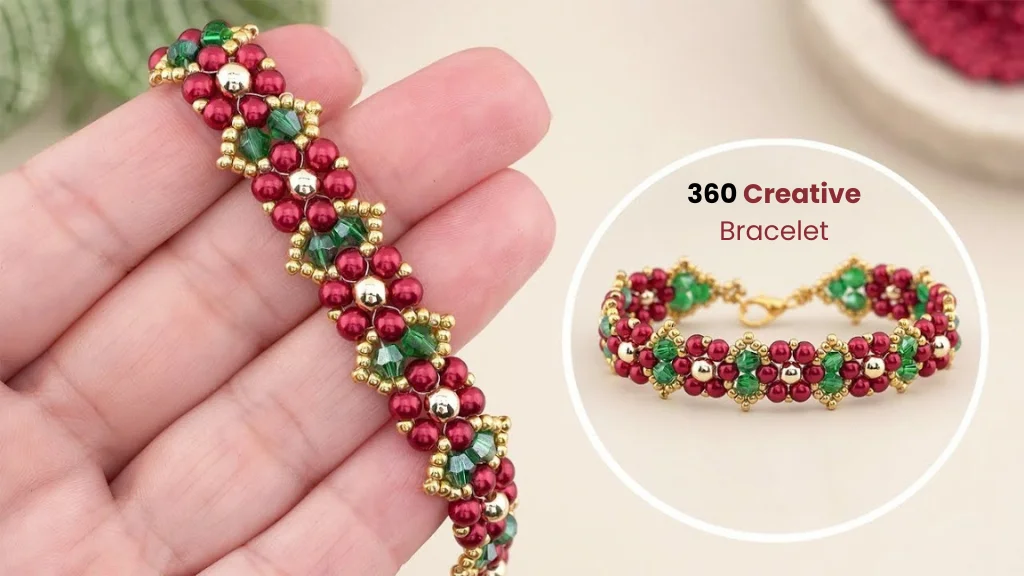
Jewelry is one of the most demanding categories. Small items show every flaw at high zoom. Jewelry retouching typically includes:
- dust and scratch removal
- reflection cleanup on metal
- stone clarity and sparkle enhancement (kept realistic)
- metal color correction (gold, silver, rose gold)
- focus stacking support for sharpness
- clean backgrounds and reflection shadows
The key is restraint. A gemstone should look clean, not fake. [Internal link opportunity: “jewelry retouching services”]
Fashion Photo Retouching
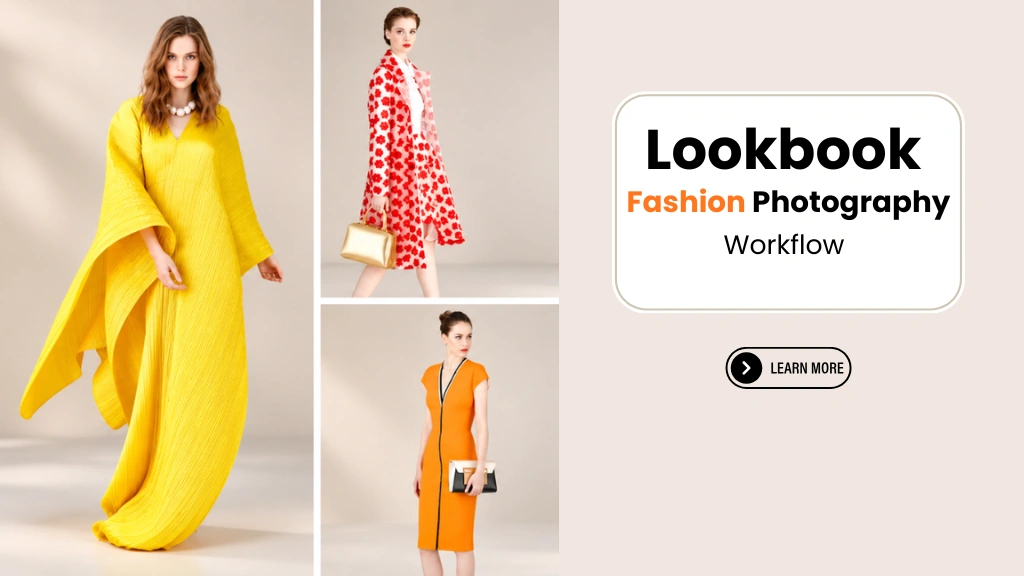
Fashion retouching covers both products and people. It includes garment cleanup, wrinkle reduction, color matching, and model retouching such as blemish removal and flyaway hair cleanup. Good fashion retouching keeps skin texture and fabric detail visible. [Internal link opportunity: “apparel photo editing”]
Real Estate Photo Editing
Property photos have different needs. Common tasks include:
- exposure blending for bright windows and dark interiors
- vertical line and perspective correction
- white balance correction
- sky replacement where appropriate
- removal of small temporary clutter
Edits should never misrepresent a property. Removing a trash bin is fine. Hiding a crack in the wall is not. [Internal link opportunity: “real estate photo editing”]
Bulk Photo Editing
Bulk editing handles large volumes with the same specifications. A brand might send 2,000 images from a seasonal shoot, all needing white backgrounds, the same crop ratio, natural shadows, and the same file size. A clear brief and a consistent team make this possible without quality dropping halfway through the batch.
Photo Editing for eCommerce Products
Different products need different editing approaches:
- Clothing: color accuracy, wrinkle cleanup, ghost mannequin, symmetry.
- Shoes: scuff removal, sole cleanup, pair alignment, natural shadows.
- Jewelry: reflections, dust, metal tone, stone detail.
- Cosmetics: label clarity, packaging glare, true product shade, swatch accuracy.
- Electronics: screen replacement, fingerprint removal, reflection control on glossy surfaces.
- Furniture: perspective correction, fabric color, background cleanup around legs and gaps.
- Accessories: strap and hardware detail, leather texture, clean edges.
- Lifestyle products: balanced scene color, distraction removal, consistent mood.
Consistency matters most when many images sit side by side. On a category page with 60 products, a single image with a slightly gray background or a larger crop stands out immediately. Shoppers may not name the problem, but they notice something feels off.
A simple example: a Barcelona-based shoe store shoots each pair from four angles. If the product fills 80% of the frame in some images and 60% in others, the grid looks uneven. Setting fixed margins in the editing brief fixes this across the whole catalog.
Photo Editing for Fashion and Apparel Brands
Fashion brands produce a lot of images, and they produce them on a seasonal schedule. That combination makes editing a real bottleneck.
Key editing needs for apparel include:
- Clothing color correction: matching the shade of the physical sample, especially for difficult colors like reds, neon tones, and deep blacks.
- Fabric detail: keeping knit, weave, and texture visible after cleanup.
- Wrinkle cleanup: reducing distracting creases while keeping natural drape.
- Ghost mannequin: showing shape and fit for tops, dresses, jackets, and coats.
- Background removal: preparing on-model and flat-lay shots for clean product pages.
- Model retouching: natural skin cleanup, stray hair removal, and garment fit adjustments.
- Catalog consistency: the same crop, pose alignment, and background across every look.
- Seasonal collections: delivering large batches before a launch date.
A practical tip: photograph a physical color reference card during each shoot. It gives the editor a fixed point for color correction and makes consistency much easier across different shoot days.
Photo Editing for Product Catalogs and Online Stores
The same product image often needs to work in several places. Professional editing can prepare images for:
- Product catalogs (print and digital)
- Shopify stores and other eCommerce websites [Internal link opportunity: “Shopify product photo editing”]
- Online marketplaces such as Amazon [Internal link opportunity: “Amazon image editing”]
- Advertising campaigns
- Social media product posts
- Digital brochures and lookbooks
Each channel may need a different crop, size, background, or file format. An editor can create multiple versions from one master file.
Note on marketplace rules: Marketplaces publish their own image requirements for backgrounds, product fill, and dimensions, and these rules change over time. Always check the latest official guidelines for each marketplace before preparing or publishing images.
Benefits of Outsourcing Photo Editing
Outsourcing is not right for every business, but it solves several common problems:
- Saves internal time. Your team stops spending hours on masking and cleanup.
- Handles large volumes. A dedicated editing team can process big batches that would overwhelm one in-house designer.
- Maintains consistency. The same specifications are applied across every image.
- Reduces repetitive Photoshop work. Skilled staff can focus on creative or strategic tasks.
- Supports product launches. Extra capacity is available when deadlines are tight.
- Manages seasonal peaks. You pay for editing when you need it rather than keeping full capacity year-round.
- Improves workflow. A clear brief and delivery process creates a repeatable system.
- Gives access to specialist skills. Ghost mannequin, jewelry, and complex masking all require experience.
Outsourcing works best with clear instructions. The better the brief, the better the results.
How Professional Photo Retouching Works
A structured workflow reduces mistakes and back-and-forth. Here is how a typical project runs:
- Image submission. The client uploads raw or high-resolution files through a file-sharing link or FTP.
- Project requirements. The client and editor agree on output size, format, background, margins, and deadlines.
- Editing instructions. A written brief, ideally with a reference image, explains exactly what “finished” looks like.
- Initial processing. Editors complete cutouts, retouching, color correction, and shadows.
- Quality control. A separate reviewer checks each image against the brief.
- Review and revisions. The client reviews and requests any changes.
- Final delivery. Approved files are delivered in the agreed formats and naming structure.
Separating editing from quality control matters. The person who edited an image is the person most likely to miss its flaws.
How to Choose Photo Editing Services in Barcelona
Use this checklist when comparing photo editing and retouching providers:
- Portfolio quality: Look for work in your product category, not just general samples.
- Editing consistency: Ask to see full sets, not only single hero images.
- Communication: Replies should be clear and timely, ideally in a language your team is comfortable with.
- Turnaround expectations: Confirm realistic delivery times for your volume.
- Revision policy: Know how revisions are handled and whether they are included.
- Quality control: Ask how images are checked before delivery.
- File formats: Confirm support for PSD with paths, layered TIFF, PNG with transparency, JPG, and any format you need.
- Privacy and file handling: Ask how unreleased product images are stored and protected, especially important for businesses working under EU data expectations.
- Bulk editing capability: Check that the team can scale for seasonal peaks.
- Sample testing: A free or paid test is the best way to judge real quality.
- Pricing transparency: Pricing should be clear before work begins.
- Brand guidelines: The provider should follow your style guide exactly.
- Relevant experience: Jewelry, fashion, and real estate each need specialized skills.
Location matters less than you might expect. Many Barcelona businesses work with remote post-production teams, because files move online and the quality of work is what counts.
How Much Do Professional Photo Editing Services Cost?
Short answer: Photo editing costs vary widely based on complexity, volume, turnaround time, and retouching level. Simple background removal costs far less per image than advanced jewelry or fashion retouching.
Main pricing factors include:
- Editing complexity: A box is simpler than a bicycle.
- Image quantity: Larger volumes often qualify for lower per-image rates.
- Turnaround time: Rush delivery usually costs more.
- Retouching level: Basic cleanup vs. high-end retouching.
- Clipping path complexity: Number of anchor points, holes, and separate parts.
- Background requirements: White, transparent, colored, or composite scenes.
- Additional services: Shadows, ghost mannequin, color variants, or resizing.
- Project specifications: Multiple output sizes or formats add work.
Simple editing vs. advanced retouching:
| Simple editing | Advanced retouching |
|---|---|
| Background removal on simple shapes | Complex masking (hair, fur, lace) |
| Basic crop and resize | Detailed dust and scratch removal |
| Exposure and white balance | Precise color matching to samples |
| Drop shadow | Jewelry reflection and stone work |
| Standard white background | Ghost mannequin and model retouching |
The most reliable way to get an accurate price is to send sample images with your full requirements and request a quote.
Why Quality Control Matters in Product Photo Editing
One bad image in a set can undermine the rest. Quality control catches problems before images go live.
Use this quality-control checklist:
- Color consistency: Does the color match the product and the rest of the set?
- Edges: Are cutout edges smooth, with no halos or jagged lines?
- Cutouts: Are gaps (between straps, handles, legs) properly cleared?
- Shadows: Do shadows look natural and match across the set?
- Surface or skin retouching: Is texture preserved, not smeared?
- Background quality: Is the background clean and even?
- Image dimensions: Are size, crop ratio, and margins correct?
- File format: Is the format, color profile, and resolution as requested?
- Unwanted artifacts: Any leftover dust, cloning marks, or banding?
- Product details: Are logos, stitching, labels, and hardware still accurate?
Zoom to 100% or more when reviewing edges and small details. Many problems are invisible at thumbnail size but obvious on a product zoom view.
Clipping Area for Professional Photo Retouching
Once you know what good editing looks like, the next step is finding a team that can deliver it consistently.
Clipping Area is a Post-Production Photo Retouching Agency. The team focuses on image editing and retouching for eCommerce brands, fashion labels, photographers, real estate businesses, and marketing agencies.
Clipping Area works remotely, which means Barcelona businesses can send images online and receive finished files without an in-person handoff. Services include:
- professional photo retouching
- eCommerce image editing
- product photo editing
- background removal
- clipping path services
- apparel editing and ghost mannequin editing
- jewelry retouching
- color correction
- bulk image editing for large catalogs
Each project starts with your requirements. Share your background, crop, shadow, and format preferences, plus any brand guidelines, and the team works to that specification across the whole batch.
The easiest way to evaluate the fit is to send a small batch for testing. A short test shows you editing quality, consistency, communication, and delivery before you commit to a larger project.
Get a Free Sample or Get a Free Quote to see how your images look after professional post-production. [Internal link opportunity: “eCommerce photo editing”]
When Should a Business Outsource Photo Editing?
Outsourcing often makes sense when you have:
- large product catalogs
- frequent product launches
- limited internal editing resources
- repetitive Photoshop work taking up staff time
- inconsistent image quality across shoots
- tight production schedules
- a growing eCommerce operation
- a need for consistent brand visuals across channels
In-house editing may still be practical when:
- you only edit a few images each month
- edits are very simple and quick
- images need same-hour turnaround for live campaigns
- you already have a skilled editor with spare capacity
- the work involves highly confidential products that cannot leave your systems
Many brands use a hybrid model. They keep quick social media edits in-house and outsource catalog and bulk product editing. There is no single right answer. The best choice depends on your volume, timeline, and team.
Professional Photo Editing Workflow for eCommerce Brands
A repeatable workflow saves time on every shoot. Here is a practical system:
Photography → File Organization → Editing Brief → Retouching → Quality Control → Approval → Final Delivery
- Photography. Shoot with consistent lighting, camera position, and a color reference card.
- File organization. Name files by SKU, color, and angle (for example,
SKU1234_black_front.jpg). Group them in clear folders. - Editing brief. Write down background, margins, crop ratio, shadow style, output size, and format. Attach one approved reference image.
- Retouching. The editor applies the brief to every image.
- Quality control. Images are checked against the brief and the QC checklist.
- Approval. Your team reviews a sample first, then the full batch.
- Final delivery. Files arrive with the same naming structure, ready to upload.
Save your brief as a template. For the next shoot, you only update the details that change. Over time, this turns editing into a predictable part of production rather than a last-minute scramble.
Common Photo Editing Mistakes to Avoid
- Over-editing: Products look plastic or unreal.
- Unrealistic colors: Shoppers receive something that looks different from the photo.
- Excessive skin smoothing: Models lose natural texture.
- Visible cutout edges: Halos or rough lines look careless.
- Inconsistent shadows: Some products float, others sit heavily.
- Mismatched backgrounds: Slightly different whites across the same page.
- Inconsistent product dimensions: Products jump in size across the grid.
- Removing important details: Stitching, texture, or labels erased during cleanup.
- Poor file naming: Uploads become slow and error-prone.
- Ignoring brand guidelines: Images do not match the rest of the store.
- Sacrificing quality for speed: Rushed edits often need to be redone.
A written brief, a reference image, and a separate quality check prevent most of these problems. When everyone works from the same standard, mistakes become exceptions rather than habits.
Frequently Asked Questions
1. What are photo editing services in Barcelona?
Photo editing services in Barcelona help businesses prepare images for commercial use. They include background removal, color correction, retouching, shadow creation, and resizing. Many local brands work with remote post-production teams that deliver edited files online.
2. What does professional photo retouching include?
Professional retouching includes dust and scratch removal, blemish cleanup, wrinkle reduction, reflection control, and detailed color work. It focuses on small, local corrections while keeping the product or person looking natural.
3. How much do photo editing services cost?
Costs depend on image complexity, volume, turnaround time, and retouching level. Simple background removal costs less than advanced jewelry or fashion retouching. Sending sample images is the best way to get an accurate quote.
4. Can eCommerce businesses outsource photo editing?
Yes. Many eCommerce businesses outsource editing to handle large catalogs, seasonal launches, and repetitive work. A clear editing brief and a small test batch help ensure the results match brand standards.
5. What types of product images can be professionally edited?
Almost any product image can be edited, including clothing, shoes, jewelry, cosmetics, electronics, furniture, accessories, and lifestyle products. Each category needs a slightly different editing approach.
6. What is the difference between photo editing and photo retouching?
Photo editing covers overall changes like cropping, exposure, and background removal. Photo retouching covers detailed corrections like removing dust, smoothing fabric, or cleaning skin. Most commercial projects use both.
7. How does background removal help product photography?
Background removal isolates the product so it can sit on a clean white, transparent, or custom background. This creates a uniform look across a catalog and prepares images for websites and marketplaces.
8. What is a clipping path?
A clipping path is a precise vector outline drawn around an object in Photoshop. It creates a clean cutout for products with hard edges, such as bottles, electronics, and furniture.
9. How can brands keep product images consistent?
Use consistent lighting during shoots, include a color reference card, and write a detailed editing brief covering background, margins, crop ratio, and shadows. A separate quality-control check keeps every batch on standard.
10. What should businesses check before hiring a photo editing company?
Check portfolio quality in your category, consistency across full image sets, communication, turnaround times, revision policy, file handling, and pricing transparency. A small test batch is the most reliable way to evaluate a provider.